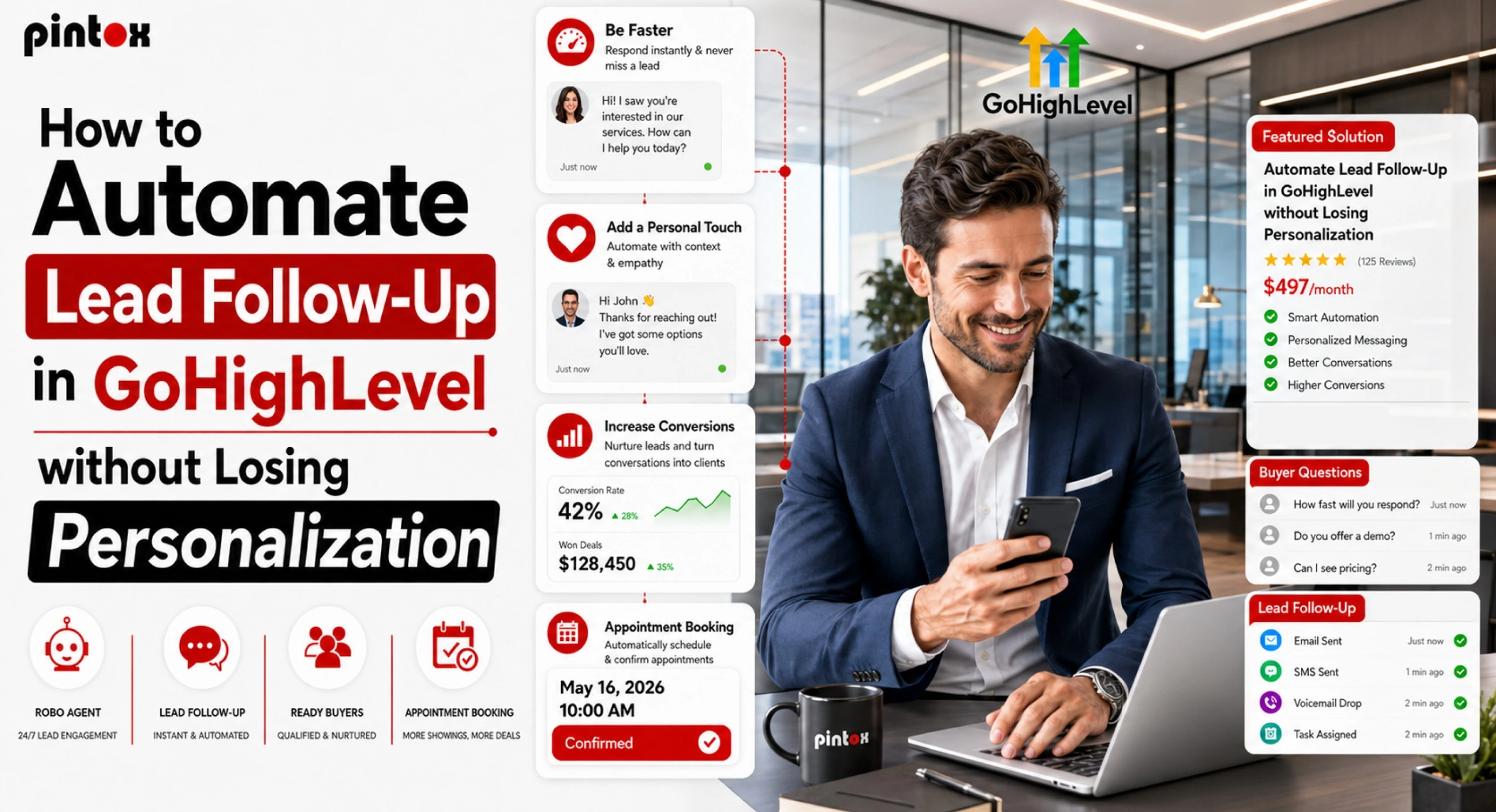
Every business owner knows the frustration of losing a lead simply because nobody replied fast enough. A customer fills out a form, asks for pricing, or calls your business after hours, and before your team responds, they have already moved on to a competitor.
This is exactly why businesses are turning toward automated Lead Follow-Up systems. But then there’s a fear surrounding automation that is sounding robotic.
It wouldn’t make anyone happy if people got automated, cold communications that seemed to have been mass-reproduced. Despite the advancement in technology, man tends to prefer dealing with fellow human beings more than any other entity.
Fortunately, GoHighLevel services allow for the automation of Lead Follow-Up in a manner where every single action seems to be genuine.
In this guide, we will break down how businesses can use GoHighLevel workflows, AI lead nurturing, SMS and email workflows, and conversation AI to create a smart system that saves time without sacrificing the customer experience.
Why Lead Follow-Up Matters More Than Ever
Modern customers expect quick responses.
If someone submits a form on your website today, they do not want to wait until tomorrow morning for a reply. Studies consistently show that speed to lead directly impacts conversion rates.
Imagine this:
The roofing company gets a new lead from a customer at 8:30 PM. Without having to wait till office hours, GoHighLevel gives you an immediate text message confirmation that states:
“Hey John, we appreciate your inquiry regarding your roof estimate. We have received your inquiry, and someone will contact you shortly.”
That single message changes everything. The lead instantly feels acknowledged. The business appears professional and responsive. Most importantly, the conversation stays active. This is what effective lead follow-up looks like.
What Is Lead Follow-Up Automation in GoHighLevel?
Lead follow-up automation in GoHighLevel is the process of automatically contacting leads after they interact with your business.
These automations can be triggered when:
- A form is submitted
- A call is missed
- A booking request is made
- A Facebook lead form is completed
- A contact is added manually
- A customer abandons a cart
- A POS transaction happens
- An Opportunity Created trigger is activated
Instead of manually texting or emailing every lead, businesses use GoHighLevel workflow automation to create automated follow-up systems that instantly respond and continue nurturing leads over time.
This includes:
- GoHighLevel SMS automation
- GoHighLevel email automation
- AI lead follow-up
- Voice drop messages
- Missed call, text back
- Multi-channel response sequences
- Long-term nurture campaigns
The best part is that these workflows can still feel completely human when done correctly.
The Biggest Mistake Businesses Make With Automated Lead Follow-Up
Many businesses set up automation once and forget about personalization completely.
The result?
Messages like this:
“Dear Customer, thank you for your interest. We will contact you soon.”
That type of generic messaging kills trust instantly. People can tell when messages feel automated in a bad way.
A good lead follow-up system should feel like a real employee is paying attention. Automation should support human communication, not replace it entirely.
How to Automate Lead Follow-Up Without Losing Personalization
Start With Instant Lead Response
The first few minutes after a lead contacts your business are critical. This is where lead response workflows shine. Using triggers like Contact Created or Form Submitted, you can immediately send a text message, an email, a voicemail drop, or a booking link.
For example:
“Hello Sarah, thank you for asking for details about our dental services. Would you like teeth whitening or just regular teeth cleaning?”
Notice how this feels conversational instead of robotic. A fast first-response time dramatically improves booking rate and lead-to-customer conversion rate.
Use SMS and Email Workflows Together
Some leads respond better to email. Others prefer texting. That is why the best automated lead nurturing systems use omnichannel workflows.
For example:
Day 1
- Send SMS confirmation
- Send a welcome email
Day 2
- Send an educational email with social proof
Day 4
- Send follow-up texts
Day 6
- Voice drop reminder
Day 10
- Final nudge message
This type of sales follow-up automation keeps leads engaged without overwhelming them.
Personalize Messages Using Contact Data
One of the easiest ways to improve Lead Follow-Up is to use personalization tokens. GoHighLevel allows businesses to pull information directly from contact fields.
Instead of saying:
“Hello, customer.”
You can say:
“Hi Mike, thanks for the quote request for your kitchen remodeling project.”
Simple details make a massive difference. This makes automated lead follow-up feel much more authentic.
Build Smart GHL Workflows With Conditional Branching
It is ideal not to have the same messages for every lead. This is where if/else condition logic becomes powerful.
For example:
If a lead replies:
- Stop automation
- Notify the sales team
If no response after 3 days:
- Send another message
If appointment booked:
- Move to nurture sequence
If the lead score is high:
- Prioritize the immediate call
Conditional branching helps businesses avoid repetitive or irrelevant messages. It also reduces lead leakage because no lead falls through the cracks.
Use GoHighLevel Conversation AI Carefully
GoHighLevel conversation AI can handle basic conversations automatically.
For example:
- Answering FAQs
- Collecting appointment preferences
- Sharing pricing ranges
- Sending booking links
- Qualifying leads
However, AI lead nurturing works best when businesses know where automation should stop and humans should step in.
A medical spa consultant, for example, can use GHL conversation AI to ask:
“What type of med spa service are you planning to launch?”
But once the conversation becomes detailed, a real team member should take over. The goal is balance. People appreciate fast answers, but they still want human attention for important decisions.
Why GHL Missed Call Text Back Is So Important
Missed calls are one of the biggest sources of lost revenue. A customer calls your business after hours, nobody answers, and the opportunity disappears. GHL missed call text back automatically sends a text message when a call is missed.
Example:
“Sorry, we missed your call. How can we help you today?”
This simple automation keeps conversations alive and improves response rate significantly. For local businesses, this single feature can recover dozens of lost leads every month.
Not every lead is ready to buy immediately. Some people need weeks or even months before making a decision. That is why predictive lead nurturing with GHL AI workflows matters. Instead of abandoning cold leads, businesses can stay visible through monthly touchpoints, educational emails, testimonials, case studies, promotions, and seasonal reminders.
The Best GoHighLevel Workflow for Lead Follow-Up
There is no universal workflow that works for every business, but a strong Lead Follow-Up sequence usually includes:
Step 1: Instant Response
Triggered by a new lead form submission.
Step 2: SMS Follow-Up
Friendly follow-up texts within minutes.
Step 3: Email Introduction
Share service details and social proof email.
Step 4: Reminder Sequence
Additional touchpoints over several days.
Step 5: Appointment Push
Encourage appointment booked action.
Step 6: Final Nudge
Last reminder before exit conditions: remove inactive leads.
This structure works because it balances automation with natural communication.
Avoid These Common Lead Follow-Up Mistakes
One of the biggest problems is that companies tend to bombard leads with many follow-up texts and emails in a short period of time. Although communications play a crucial role in any business relationship, nobody likes getting emails and texts at an interval of five minutes. The most important thing about any good Lead Follow Up approach is that it should focus on delivering valuable messages to the customers.
The other problem is neglecting the channel preferences. Some clients tend to be more responsive to text messages, others to emails, and some do not like being called at all. Companies that consider channel preferences when communicating with their customers receive much more positive responses because people feel more comfortable answering messages they prefer to get.
The timing aspect is another critical element when it comes to Lead Follow-Up. The response time of a business in relation to an inquiry received by the company must not exceed one to five minutes.
Faster responses ensure speed to lead, higher bookings, increased responses, and conversions from prospective leads to actual buyers. In most scenarios, quick responses such as sending an immediate text message turn out better than spending hours before making calls.
Frequently Asked Questions
What is Lead Follow-Up Automation in GoHighLevel?
Lead Follow-Up Automation in GoHighLevel refers to sending an SMS, e-mail, voicemail drop, or AI-powered customer follow-up in GHL upon contact with your company from a prospective customer.
How Do You Implement Automated Lead Follow-Up in GoHighLevel?
There are various methods that one can apply to automate lead follow-up in GoHighLevel via Workflows, like Form Submission, Contact Creation, Missed Calls, and Appointment Requests.
How can you automate the process of contacting leads without losing personalization?
Leverage the capabilities of contact fields, tagging, conditional logic, and conversations. This will enable you to add a human touch to automated messaging.
Which GoHighLevel workflow would be ideal for the lead follow-up?
Instant lead response automation, along with SMS and e-mail automation, reminders, appointment setting, and nurture campaigns, will form the perfect lead follow-up strategy.
What would be the optimal time frame for GoHighLevel to send its first follow-up e-mail?
For maximum effect, the first automated e-mail should be sent within 1 to 5 minutes after the lead generation.
What triggers should you use for lead follow-up workflows in GoHighLevel?
Common triggers include:
- Contact Created
- Form Submitted
- Opportunity Created
- Missed calls
- Appointment requests
- Cart abandonment
Final Thoughts
There is no more room for manual processes in businesses trying to grow. But what makes successful Lead Follow-Up is not simply sending automated communications quickly. It involves having conversations that will feel human-like.
When organizations integrate GoHighLevel automation tools along with personalized content, they can respond faster, minimize loss of leads, and convert without becoming mechanical.
It is the organizations that respond promptly but show understanding that win in the modern world. This is when GoHighLevel becomes particularly useful.
Are you losing prospects because of slow replies, inconsistent communication, and missed calls? It is now about time that you develop an efficient lead management process for your business.
Combine the workflow process by GoHighLevel, lead nurturing using AI technology, and automated follow-up leads without losing the human touch in conversations.